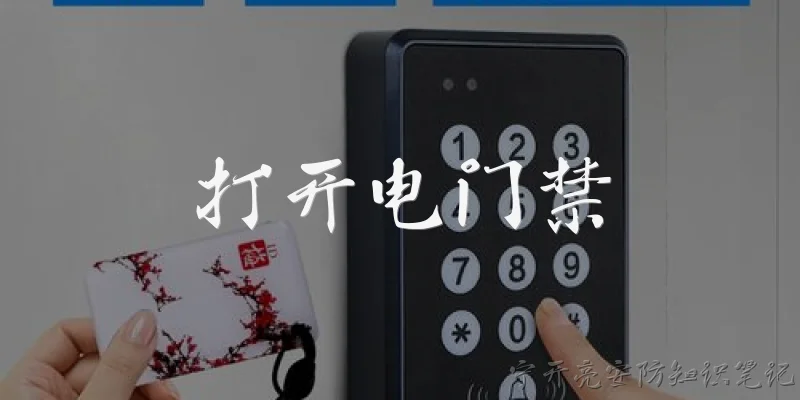
Open the electric door access:How do I open the electric door access using a keycard?
Q: How do I open the electric door access using a keycard?
A: To open electric door access with a keycard, hold the card within 1-2 inches of the reader until you hear a beep or see a green light. The electric lock will disengage for a few seconds, allowing you to push or pull the door open. If the reader flashes red, your card may be unregistered or expired. Some systems require you to swipe rather than tap. Always wait for the audible click before pulling the handle. If the door still won't open, check for a manual override button or contact building security for assistance.
Q: What should I do if the electric door access doesn't respond to my code?
A: If the electric door access keypad doesn't respond to your code, first ensure you are pressing the correct sequence and waiting for the beep between digits. Check if the keypad has power—look for a lit display. If it's battery-operated, the batteries may be dead. Try pressing the # or * key to wake the system. If it still fails, use an alternative entry method like a keycard or intercom. If none work, call the building manager. Never force the door, as this can damage the electric strike. Report the issue immediately so it can be repaired.
Q: Can I open electric door access remotely from my phone?
A: Yes, many modern electric door access systems support remote opening via a smartphone app. After logging into the app, you can tap an 'unlock' button that sends a signal to the door controller over Wi-Fi or cellular data. Some systems require two-factor authentication for security. Ensure your phone has internet access and that you have permission to unlock that specific door. Remote access may be limited to certain hours or user roles. If the door doesn't open, check your network connection and app notifications. Contact your administrator if remote functionality is disabled.
Q: What is the emergency procedure to open electric door access during a power outage?
A: During a power outage, electric door access systems may fail. Most commercial doors have a fail-safe or fail-secure design. Fail-safe locks unlock automatically when power is lost, allowing free exit. Fail-secure locks remain locked, requiring a mechanical key or a battery backup. For emergency exit, look for a break-glass station or a manual override keyhole. Do not tamper with the electric strike. If you are trapped, use the intercom or call emergency services. Building codes require clear exit signs and panic hardware on egress doors, so follow those to evacuate safely.
Q: Why does the electric door access sometimes open slowly or not at all?
A: Slow or failed electric door access often results from a weak power supply, misaligned door strike, or dirty reader. Check if the power adapter is properly connected and outputting the correct voltage. A misaligned strike plate can cause the latch to bind; try pushing or pulling the door slightly while activating the reader. Clean the card reader or keypad with a soft, dry cloth. Extreme temperatures can also affect performance. If issues persist, the control board or lock solenoid may be failing. Schedule a maintenance check with an access control technician to diagnose and repair the system.
Words of experience
Common scenarios of "Open the electric door access"
【Resident】 Hello, I'm at the main entrance. Could you please open the electric door for me?
【Security】 Sure, may I have your apartment number and name, please?
【Resident】 I'm in apartment 302, and my name is John Smith.
【Security】 Thank you, Mr. Smith. Let me verify your details.
【Security】 I see that apartment 302 is registered to a John Smith. I'll open the door now.
【Resident】 Great, thank you!
【Security】 The door is now open. Please come in.
【Resident】 I'm in. Thanks for your help.
【Security】 You're welcome. Have a good day!
【Resident】 You too. Bye!
【Security】 Goodbye.
【Resident】 Wait, I think the door didn't close properly. Could you check?
【Security】 Let me check the door status. It shows as closed. Is there an issue?
【Resident】 It seems fine now. Maybe it was just slow.
【Security】 Okay, let me know if you need anything else.
【Resident】 Actually, I have a package coming later. Can you let the delivery person in?
【Security】 Sure, we can do that. What's the expected time and delivery company?
【Resident】 It's Amazon, around 3 PM.
【Security】 Got it. We'll inform the delivery person to leave the package at your door if you're not in.
【Resident】 Perfect, thanks again!